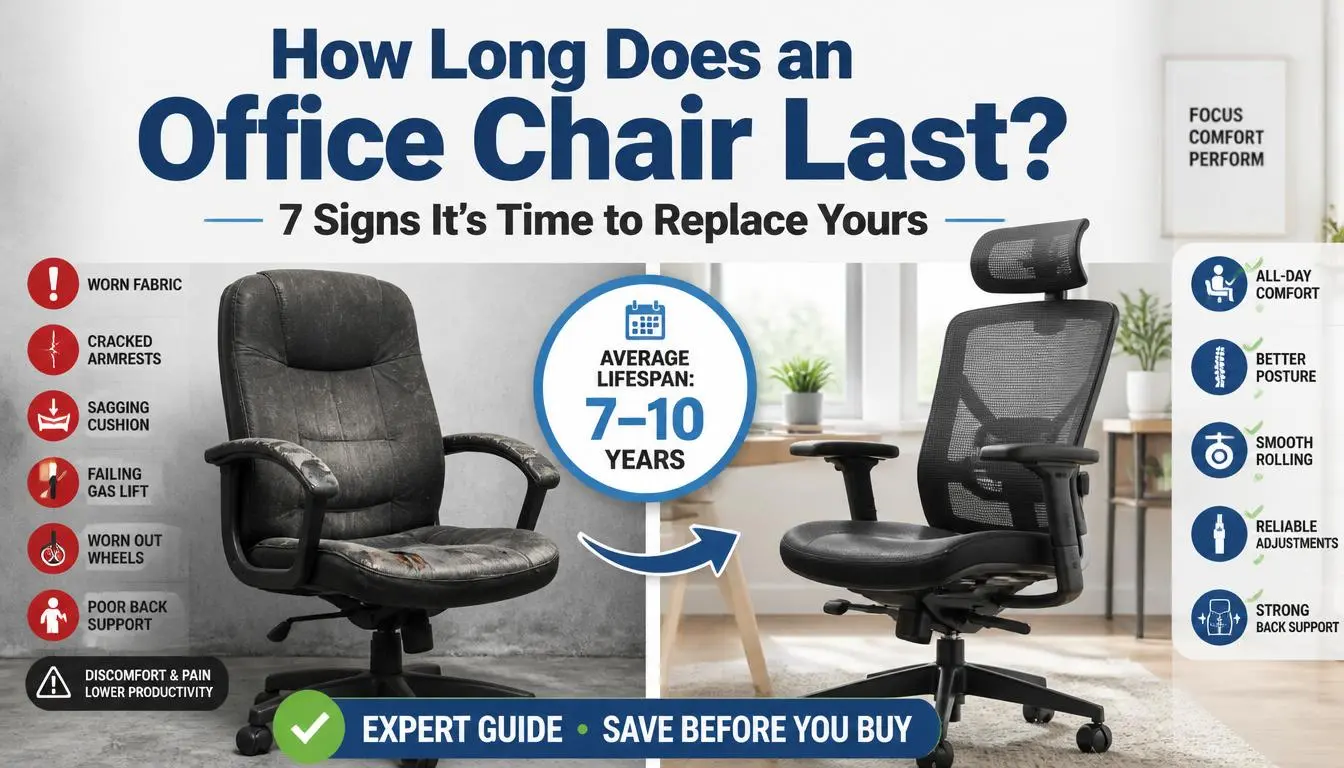
Quick Answer: An office chair typically lasts 7 to 10 years, but its lifespan depends on the chair’s quality, daily use, maintenance, and the user’s weight. Premium ergonomic office chairs can last 15 to 20 years, while budget models often need replacing after just 2 to 5 years.
If you’re wondering whether your office chair is reaching the end of its life, you’re not alone. I’ve asked myself the same question after noticing a squeaky base, worn-out cushions, and lower back discomfort during long workdays. After researching chair durability, manufacturer recommendations, and ergonomic best practices, I discovered that an office chair doesn’t simply stop working overnight—it gradually shows signs that it’s time for repair or replacement.
Whether you work from home, manage a busy office, or simply want to get the most value from your furniture, understanding how long an office chair should last can save money, improve comfort, and even protect your health.
How Long Does an Office Chair Last?
The average office chair lasts between 7 and 10 years under normal daily use. However, there’s no single answer because every chair is built differently. Factors such as construction quality, materials, maintenance, and the number of hours you sit each day all influence how long a chair remains comfortable and safe.
For example, someone who works from home for four hours a day will likely get many more years from the same chair than someone who sits in it for ten hours every weekday.
Here’s a quick overview.
| Office Chair Type | Average Lifespan |
|---|---|
| Budget Office Chair | 2–5 Years |
| Mid-Range Office Chair | 5–8 Years |
| Premium Ergonomic Chair | 10–20 Years |
| Heavy-Duty Office Chair | 10–15 Years |
| Executive Office Chair | 8–15 Years |
Although a chair may still function after these periods, comfort and ergonomic support usually begin to decline. Worn-out cushions, failing gas lifts, loose armrests, and damaged casters can reduce both productivity and posture.
A high-quality office chair should continue providing:
- Proper lumbar support
- Stable seat height adjustment
- Smooth wheel movement
- Comfortable seat cushioning
- Reliable reclining mechanism
- Safe structural support
Once several of these features stop working properly, it’s usually time to consider repair or replacement.
Office Chair Lifespan by Chair Type
Not every office chair is designed for the same level of use. Understanding the expected lifespan of different chair categories can help you make a smarter buying decision.
Budget Office Chairs
Budget office chairs are usually made with lightweight plastic frames, thinner cushions, and simpler adjustment mechanisms.
Expected lifespan:
- 2–5 years
These chairs work well for occasional use but often wear out quickly under full-time work conditions. Common issues include flattened foam, broken armrests, and gas cylinder failure.
Best for:
- Students
- Guest rooms
- Occasional home office use
Mid-Range Office Chairs
Mid-range chairs offer a noticeable improvement in durability and comfort. They typically include stronger frames, higher-quality foam, and better ergonomic adjustments.
Expected lifespan:
- 5–8 years
With regular maintenance, many mid-range chairs continue performing well beyond their expected lifespan.
Best for:
- Hybrid workers
- Small businesses
- Home offices
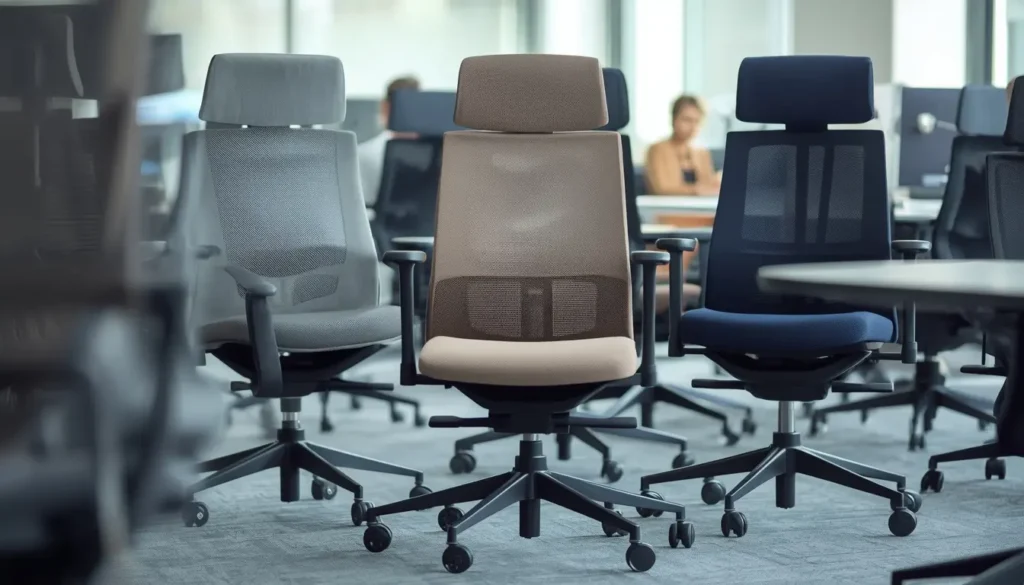
Premium Ergonomic Office Chairs
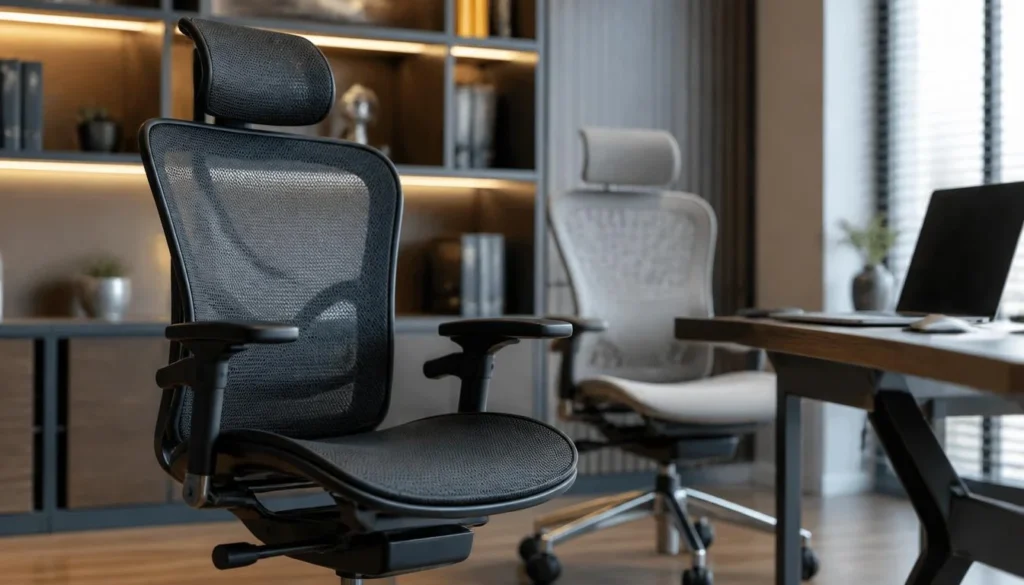
Premium ergonomic chairs are engineered for daily professional use and long-term comfort. Many feature aluminum frames, high-quality mesh, replaceable parts, and extended warranties.
Expected lifespan:
- 10–20 years
Although these chairs require a larger upfront investment, they often cost less over time because they don’t need frequent replacement.
Best for:
- Remote professionals
- Programmers
- Designers
- Executives
- People who sit for long hours
Heavy-Duty Office Chairs
Heavy-duty chairs are designed for higher weight capacities and continuous use.
Expected lifespan:
- 10–15 years
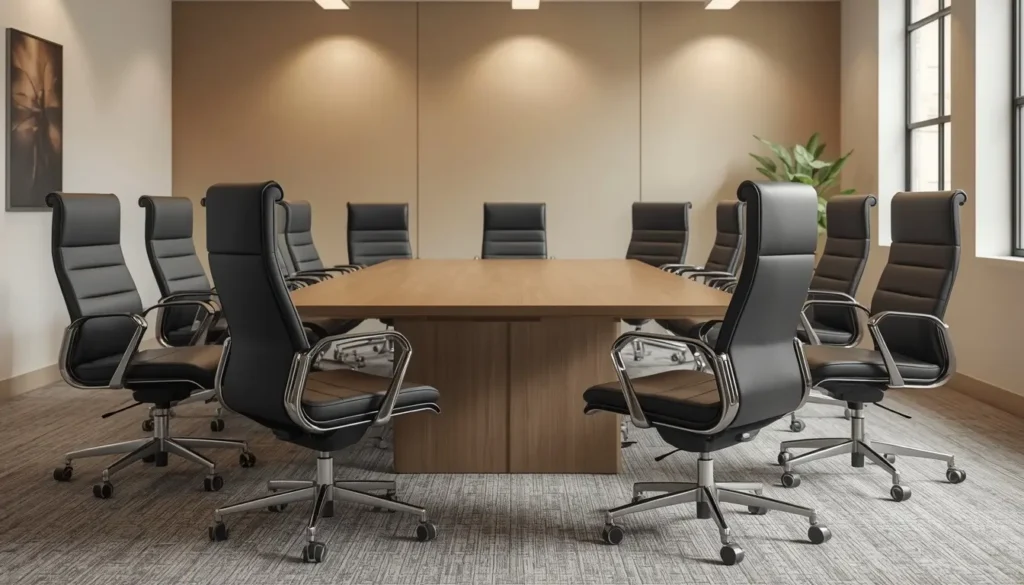
These models often include reinforced steel frames, larger gas cylinders, thicker cushions, and stronger wheel assemblies.
Executive Office Chairs
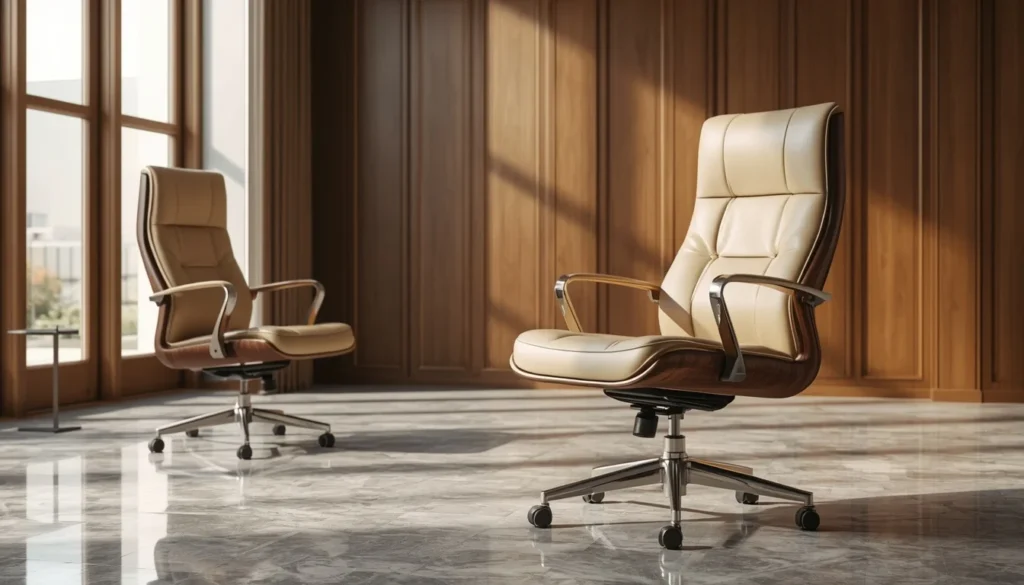
Executive chairs combine premium comfort with an elegant appearance.
Expected lifespan:
- 8–15 years
Leather quality, frame construction, and maintenance largely determine how long these chairs remain comfortable.
What Affects the Lifespan of an Office Chair?
Many people assume that price alone determines how long an office chair lasts. In reality, several factors work together to influence durability.
Let’s look at the most important ones.
Build Quality
Construction quality is the biggest factor affecting office chair longevity.
A chair built with steel components, reinforced aluminum, durable mesh, and commercial-grade mechanisms will naturally outlast one made with lightweight plastic.
Higher-quality chairs are also tested for thousands of adjustment cycles before reaching the market.
Daily Usage
The more hours you spend sitting, the faster components wear out.
Here’s a general comparison.
| Daily Use | Expected Wear |
|---|---|
| 2–4 Hours | Slow |
| 5–8 Hours | Moderate |
| 8–12 Hours | Heavy |
| 24/7 Shift Use | Very Heavy |
Office environments where multiple employees use the same chair every day typically experience much faster wear than a home office.
User Weight
Every office chair has a recommended weight capacity.
Regularly exceeding that limit places additional stress on:
- Gas cylinders
- Seat cushions
- Chair base
- Casters
- Recline mechanism
Following the manufacturer’s recommended weight limit helps maximize the chair’s lifespan.
Chair Materials
Materials significantly influence durability.
Mesh
High-quality mesh remains breathable and supportive for many years.
Lower-quality mesh may sag over time.
Fabric
Fabric chairs are comfortable but may absorb dirt, sweat, and spills if not cleaned regularly.
Leather
Genuine leather is durable when properly maintained.
Synthetic leather often cracks or peels sooner, especially in dry environments or direct sunlight.
Maintenance Habits
Regular maintenance can add several years to an office chair’s usable life.
Simple habits include:
- Tightening loose screws
- Cleaning dust from moving parts
- Wiping spills immediately
- Vacuuming fabric regularly
- Lubricating adjustment mechanisms when needed
- Replacing worn casters before they damage the base
Preventive maintenance is almost always less expensive than replacing an entire chair.
Floor Surface
The type of flooring beneath your chair also affects durability.
Hardwood, tile, and concrete floors create different levels of resistance than carpet.
Without a chair mat, wheels may wear unevenly or experience additional strain during daily movement.
Environmental Conditions
Many people overlook the role of the surrounding environment.
Direct sunlight can weaken plastics and dry out leather.
High humidity may encourage mold or fabric deterioration.
Dust accumulation inside moving parts can also shorten the lifespan of adjustment mechanisms.
Keeping your office clean and maintaining a stable indoor climate helps preserve both appearance and performance.
Manufacturing Standards
Not all office chairs undergo the same quality testing.
Commercial-grade ergonomic chairs are often tested for:
- Seat durability
- Backrest strength
- Armrest pressure
- Wheel rolling performance
- Recline mechanism endurance
- Weight capacity
These higher standards often explain why premium chairs continue performing well long after inexpensive models have worn out.
“Quality is remembered long after price is forgotten.” — Aldo Gucci
When choosing an office chair, it’s worth thinking beyond the purchase price. A well-built chair that lasts 15 years often provides far better value than replacing a cheaper chair every few years.
How Often Should You Replace an Office Chair?
There’s no universal replacement schedule because every office chair experiences different levels of wear. Instead of replacing your chair based only on its age, evaluate its comfort, safety, and functionality.
As a general guideline:
| Usage Type | Recommended Replacement Time |
|---|---|
| Occasional Home Use (2–4 hours/day) | Every 8–12 Years |
| Full-Time Home Office (6–8 hours/day) | Every 7–10 Years |
| Corporate Office (8+ hours/day) | Every 5–8 Years |
| 24/7 Shared Workplace | Every 3–5 Years |
If your chair no longer supports good posture, causes discomfort, or has multiple worn-out parts, replacing it is often the better long-term investment.
Remember, an office chair is part of your workspace—not just another piece of furniture. A supportive chair can improve focus, productivity, and overall well-being.
How Can You Tell When an Office Chair Is Worn Out?
Office chairs rarely fail all at once. Most gradually develop problems that become more noticeable over time.
Here are the most common signs that your chair is reaching the end of its lifespan.
1. The Seat Cushion Feels Flat
If you can feel the hard seat underneath the cushion, the foam has likely compressed beyond recovery.
A flattened cushion creates pressure points that can lead to discomfort during long work sessions.
2. The Chair Slowly Sinks
One of the most common issues is a failing gas lift cylinder.
If you constantly need to readjust your seat height throughout the day, replacing the gas cylinder—or the chair itself—may be necessary.
3. Wheels Don’t Roll Smoothly
Casters naturally wear out over time.
Signs include:
- Dragging
- Sticking
- Uneven rolling
- Scratching floors
Fortunately, wheels are often inexpensive and easy to replace.
4. Loose or Wobbly Base
A chair should always feel stable.
If the base rocks unexpectedly or the frame feels loose even after tightening bolts, structural wear may be affecting safety.
5. Armrests Are Broken or Unstable
Loose armrests reduce support for your shoulders and wrists.
For people who spend long hours typing, this can contribute to fatigue and poor posture.
6. The Backrest No Longer Supports You
One of the biggest reasons people replace office chairs is the loss of lumbar support.
If your backrest leans unevenly or no longer locks into position, your spine may no longer receive proper support.
7. Recline Mechanism Stops Working
A reclining chair should move smoothly and lock securely.
A damaged tilt mechanism can become both uncomfortable and unsafe.
8. Excessive Noise
Occasional squeaks aren’t unusual.
However, frequent grinding, clicking, or popping sounds often indicate worn internal components.
9. Visible Cracks
Inspect the:
- Chair base
- Back frame
- Arm supports
- Plastic housing
Cracks can quickly become safety hazards.
10. You Experience More Back Pain Than Before
Perhaps the most important warning sign isn’t visible—it’s how your body feels.
If your chair leaves you with sore muscles, lower back pain, neck stiffness, or hip discomfort after each workday, it may no longer provide proper ergonomic support.
“Take care of your body. It’s the only place you have to live.” — Jim Rohn
Can an Old Office Chair Cause Back Pain?
Yes.
An old or worn-out office chair can contribute to back pain, poor posture, and muscle fatigue.
Over time, even high-quality chairs lose some of their supportive features.
Common causes include:
Poor Lumbar Support
When lumbar support weakens, your lower back loses the natural curve it needs while sitting.
This often increases strain on the spine.
Flattened Seat Cushion
Compressed foam places additional pressure on the hips and tailbone.
This may reduce blood circulation and increase discomfort during long sitting sessions.
Incorrect Sitting Height
A failing gas lift may prevent you from maintaining the correct sitting position.
Ideally:
- Feet should rest flat on the floor.
- Knees should remain close to a 90-degree angle.
- Elbows should align comfortably with the desk.
Unstable Sitting Position
Loose components force your muscles to work harder to maintain balance.
This constant adjustment can increase fatigue throughout the day.
Poor Arm Support
Without proper arm support, many people unintentionally shrug their shoulders while typing.
This can contribute to neck pain and upper back tension.
If you’ve already adjusted your desk, monitor, and keyboard but still experience discomfort, your office chair may be the missing piece.
Is It Better to Repair or Replace an Office Chair?
The answer depends on the chair’s age, quality, and overall condition.
Here’s a simple comparison.
| Situation | Repair | Replace |
|---|---|---|
| Worn Casters | ✅ | |
| Broken Gas Lift | ✅ | |
| Loose Armrests | ✅ | |
| Flattened Cushion | Sometimes | Sometimes |
| Cracked Base | ✅ | |
| Broken Frame | ✅ | |
| Multiple Major Problems | ✅ | |
| Chair Older Than 12–15 Years | Usually |
Repair Makes Sense When
- Only one component has failed.
- Replacement parts are available.
- The frame remains solid.
- The chair is otherwise comfortable.
Common replaceable parts include:
- Gas cylinders
- Wheels
- Arm pads
- Seat cushions
- Tilt mechanisms
Replacement Makes Sense When
Consider buying a new chair if:
- The frame is damaged.
- Repairs cost more than half the price of a comparable new chair.
- The chair no longer supports healthy posture.
- Multiple components have failed at once.
- Replacement parts are unavailable.
For premium ergonomic chairs, repairing individual components is often worthwhile because many manufacturers design them with replaceable parts.
How to Make an Office Chair Last Longer
Proper maintenance can significantly extend the life of your office chair.
These simple habits can help protect your investment for years.
Clean Your Chair Regularly
Dust, dirt, and debris gradually wear down moving parts.
Try to:
- Vacuum fabric seats.
- Wipe mesh with a damp microfiber cloth.
- Condition genuine leather periodically.
- Remove spills immediately.
Tighten Screws Every Few Months
Daily movement slowly loosens hardware.
Inspect:
- Armrests
- Seat plate
- Backrest
- Base connections
A few minutes of maintenance can prevent bigger problems later.
Stay Within the Weight Capacity
Manufacturers design chairs for specific weight limits.
Exceeding these limits increases stress on:
- Gas lift
- Casters
- Frame
- Recline mechanism
Choosing a chair that matches your needs improves both safety and durability.
Replace Worn Casters
Many people replace an entire chair simply because the wheels no longer work well.
Fortunately, new casters are usually affordable and easy to install.
Replacing worn wheels can improve mobility and reduce stress on the chair base.
Protect Your Floor
Using a chair mat helps:
- Reduce wheel resistance
- Prevent uneven caster wear
- Protect hardwood floors
- Make movement smoother
This small accessory can also reduce strain on the chair’s rolling mechanism.
Avoid Using the Chair Improperly
Office chairs aren’t designed to support excessive force.
Avoid habits like:
- Standing on the chair
- Leaning too far backward
- Dropping heavily into the seat
- Using armrests to lift the entire chair
These actions place unnecessary stress on structural components.
Keep the Chair Out of Direct Sunlight
Long-term exposure to sunlight may:
- Fade fabric
- Dry out leather
- Weaken plastics
- Accelerate material aging
Positioning your chair away from direct UV exposure can preserve its appearance.
Replace Small Parts Before They Cause Bigger Problems
Replacing a worn wheel or gas cylinder early can prevent damage to other components.
Routine maintenance is usually much less expensive than buying a completely new chair.
“An ounce of prevention is worth a pound of cure.” — Benjamin Franklin
With a little care, many quality office chairs remain comfortable and reliable well beyond their expected lifespan.
Office Chair Lifespan by Material
The materials used in an office chair play a major role in determining its durability, comfort, and maintenance requirements. While no material lasts forever, choosing the right one can significantly extend the chair’s useful life.
| Material | Average Lifespan | Pros | Cons |
|---|---|---|---|
| Mesh | 8–12 Years | Breathable, supportive, easy to clean | Lower-quality mesh may sag |
| Genuine Leather | 10–15 Years | Durable, premium appearance | Requires regular conditioning |
| Bonded Leather | 3–6 Years | Affordable, stylish | May peel or crack over time |
| Fabric | 5–10 Years | Comfortable, available in many colors | Can stain and absorb odors |
| Vinyl | 3–6 Years | Water-resistant, budget-friendly | Less breathable and may crack |
If you work long hours, breathable mesh or high-quality fabric is usually a practical choice. Genuine leather offers excellent durability and a professional appearance, but it needs routine care to prevent drying and cracking.
Office Chair Lifespan by Brand
Not all manufacturers build chairs to the same standards. Premium brands often use stronger materials, offer longer warranties, and design chairs with replaceable parts.
Here’s a general comparison.
| Brand | Expected Lifespan |
|---|---|
| Herman Miller | 15–20 Years |
| Steelcase | 15–20 Years |
| Humanscale | 12–18 Years |
| HON | 8–12 Years |
| IKEA | 5–8 Years |
| Amazon Basics | 2–5 Years |
Keep in mind that these are average estimates. Proper care, maintenance, and daily usage have a significant impact on how long any chair lasts.
Home Office vs. Workplace Office Chair Lifespan
The environment where a chair is used can greatly affect its longevity.
Home Office
A home office chair is typically used by one person, making it easier to maintain and reducing wear.
Average lifespan:
- 8–12 years
Corporate Office
In a traditional workplace, chairs are often used for eight or more hours each day and may be adjusted by different employees.
Average lifespan:
- 5–8 years
24/7 Operations
Call centers, hospitals, security offices, and control rooms often use chairs around the clock.
Average lifespan:
- 3–5 years
Heavy, continuous use places much greater stress on the chair’s moving parts, making regular inspections and maintenance especially important.
What to Look for When Buying a Long-Lasting Office Chair
If you’re replacing an old chair, choosing the right model now can save money in the future.
Here are the features I always recommend looking for.
Durable Frame
A steel or reinforced aluminum frame generally lasts much longer than lightweight plastic.
Adjustable Lumbar Support
Proper lumbar support helps maintain the natural curve of your lower back and reduces fatigue during long work sessions.
High Weight Capacity
Choose a chair that comfortably exceeds your normal weight rather than one that only meets the minimum requirement.
Replaceable Parts
The best office chairs allow you to replace components such as:
- Casters
- Gas lift cylinders
- Arm pads
- Seat cushions
- Tilt mechanisms
This extends the chair’s life and lowers long-term ownership costs.
Quality Warranty
A longer warranty often reflects greater confidence in the product’s durability.
While warranty length shouldn’t be your only consideration, it can provide additional peace of mind.
Comfortable Seat Cushion
Look for high-density foam that maintains its shape over time.
A supportive seat is especially important if you spend six or more hours sitting each day.
Smooth Adjustment Controls
A quality chair should allow easy adjustment of:
- Seat height
- Recline tension
- Tilt lock
- Armrests
- Lumbar support
These features help you customize the chair to fit your body and workspace.
Are Expensive Office Chairs Worth It?
In many cases, yes.
Although premium ergonomic office chairs have a higher purchase price, they often provide better long-term value.
Here’s why.
Better Durability
Premium chairs use stronger materials and are built to withstand years of daily use.
Improved Ergonomics
Advanced ergonomic features encourage healthier posture and reduce strain on the back, shoulders, and neck.
Lower Long-Term Cost
Replacing a budget chair every few years can eventually cost more than investing in one high-quality chair that lasts for well over a decade.
Easier Repairs
Many premium manufacturers sell replacement parts, making repairs straightforward when normal wear occurs.
Better Warranty Coverage
Longer warranties often cover important components such as:
- Frame
- Gas lift
- Casters
- Recline mechanism
While expensive chairs aren’t necessary for everyone, they’re often a worthwhile investment for people who spend most of their workday sitting.
“The bitterness of poor quality remains long after the sweetness of low price is forgotten.” — Benjamin Franklin (commonly attributed)
Frequently Asked Questions
How long does an office chair usually last?
Most office chairs last between 7 and 10 years. Budget chairs generally last 2–5 years, while premium ergonomic chairs can remain comfortable and functional for 15–20 years with proper care.
How often should I replace my office chair?
If your chair no longer supports healthy posture, causes discomfort, or has several worn-out components, it’s time to consider replacing it—even if it’s still technically usable.
Can an office chair last 20 years?
Yes. High-quality ergonomic office chairs made with durable materials and maintained regularly can last 20 years or more.
Why does my office chair keep sinking?
A sinking office chair usually indicates a worn or damaged gas lift cylinder. In many cases, replacing the cylinder is less expensive than replacing the entire chair.
Is it worth repairing an office chair?
It depends on the issue. Replacing wheels, arm pads, or a gas lift is often worthwhile. However, if the frame is cracked or multiple components have failed, buying a new chair is usually the better option.
Does body weight affect office chair lifespan?
Yes. Using a chair beyond its recommended weight capacity increases stress on the frame, gas lift, wheels, and reclining mechanism, which can shorten its lifespan.
What is the longest-lasting office chair material?
High-quality mesh and genuine leather are among the most durable materials when properly maintained. Steel-framed chairs with replaceable parts also tend to last the longest.
Can regular maintenance really extend an office chair’s life?
Absolutely. Cleaning, tightening screws, replacing worn casters, and addressing minor issues early can add several years to your chair’s useful life.
Final Thoughts
So, how long does an office chair last? For most people, the answer is 7 to 10 years, but the actual lifespan depends on build quality, daily use, maintenance, and how well the chair supports your body over time.
I’ve found that the best approach is to pay attention to how the chair performs rather than focusing only on its age. A chair that no longer provides proper lumbar support, feels unstable, or causes back pain isn’t just uncomfortable—it can also affect your productivity and long-term health.
If your current chair only needs new wheels, a gas lift, or fresh arm pads, repairing it can be a smart and cost-effective solution. However, when multiple components fail or the chair no longer supports good posture, investing in a high-quality replacement is often the better choice.
By selecting a well-built office chair, performing regular maintenance, and using it within its recommended limits, you can enjoy years of comfort, better posture, and greater value from your investment.